Driving Frontend Testing with AI
And why you can't automate UAT
When we first started using the Claude browser extension for frontend testing, one thing jumped out: even when you ask for no tests or minimal testing (e.g. backend unit tests), it will still use the Claude browser extension to test.
This is useful once you've moved on from development to final testing, but it means you have to be deliberate about how you scope the work. Explicit separation of scope between building features, and dedicated prompts for testing as a separate step goes a long way toward keeping the build step from wasting tokens.
Here is how we drive frontend testing in practice. We treat the extension as a fast, tireless first-pass tester. We point it at a build, give it a clear list of flows to exercise, and let it report back on what broke, what looked off, and what behaved unexpectedly. It is excellent at the repetitive, mechanical checks that humans find tedious: does every button respond, does every form validate, do the pages load, do the links go where they should. Running these checks on every build catches a surprising number of regressions before a person ever has to look at the product.
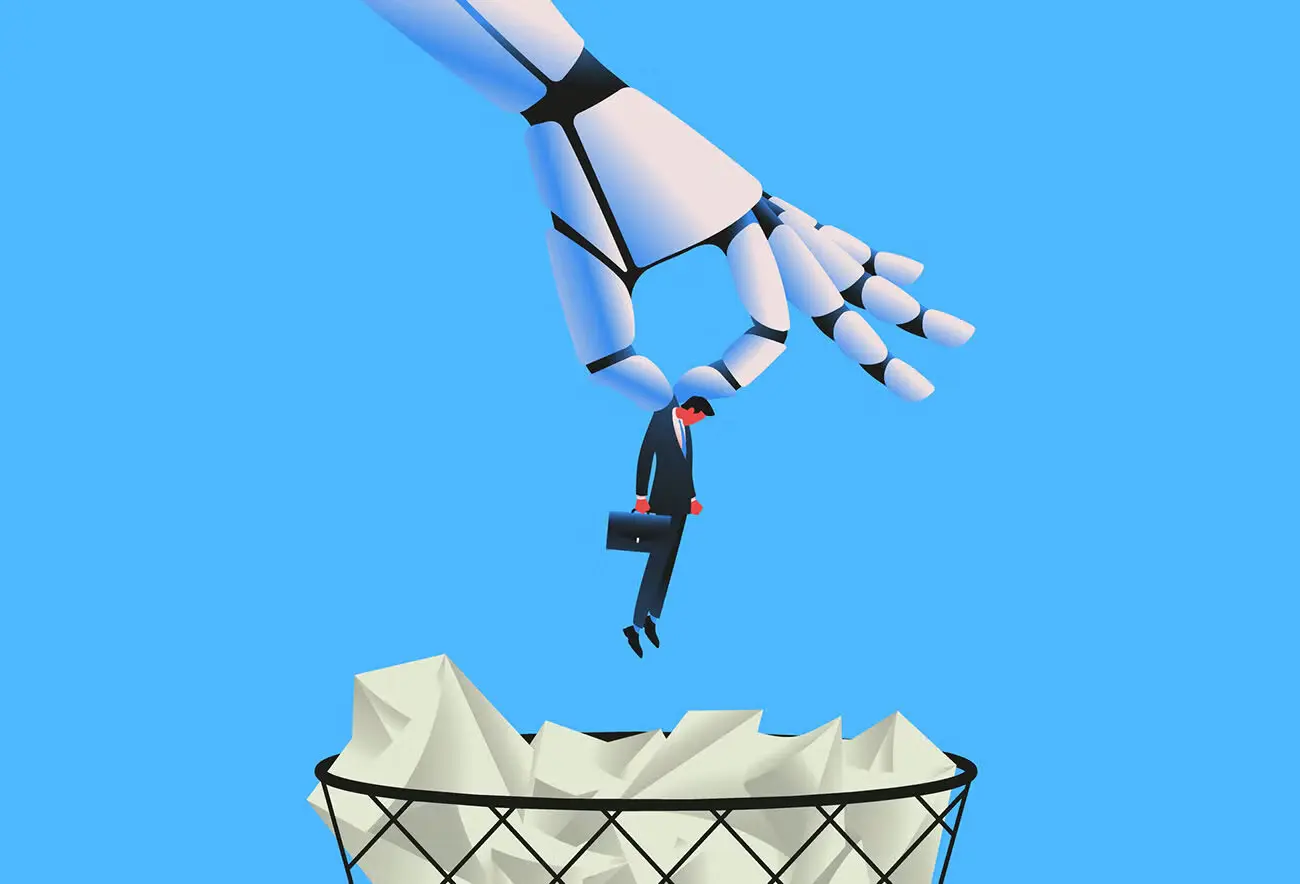
But this is where we draw a hard line: you can't automate user acceptance testing. This is the difference between UI and UX. UAT exists to answer a question that no script can answer, which is whether real people can actually use the thing and whether it works for them. A test run by an automated agent can confirm that a feature functions. It cannot tell you whether a feature is confusing, whether the flow matches how users think about their task, or whether the experience feels right. Passing every automated check and still failing UAT is entirely possible, and we have seen it happen.
The core reason is that the people doing UAT are users, and users care about UX, not just UI. The interface is the surface: the buttons, the layout, the colors. The experience is everything a person goes through while trying to get something done: what they expect, what they notice, where they hesitate, and how they feel when it works or doesn't. A robot fundamentally perceives the product differently than a human does. It reads the page structure and acts on it. It doesn't get frustrated, doesn't skim, doesn't misread a label, and doesn't give up halfway through a confusing checkout. Those human behaviors are exactly what UAT is meant to surface.
That said, automation can still find real design problems, as long as we're realistic about what kind. Layout and spacing issues are a good example: an agent can flag elements that are too close together, tap targets that are too small, text that overlaps, or controls that fall off-screen at certain sizes. These are measurable, objective problems, and catching them automatically frees up human testers to focus on the subjective questions that only they can answer.
Automation can also help us avoid design problems in the first place. Rather than inventing custom solutions for every screen, we build with standard, well-understood design patterns and components. Users already know how a familiar navigation bar, form, or modal behaves, and an automated tester can verify that those patterns are implemented correctly. In other words, don't reinvent the wheel. Use established design choices, let automation verify the mechanics and the measurable details, and save real user testing for what it does best: finding out whether the experience works for the people it was built for.